RovexOne Driver
The app your drivers will actually use
Assigned load, every stop, one tap per status, and the POD straight from the camera. On the App Store and Google Play, or in any phone browser from one invite link if your driver does not want another app.


The problem
Most driver apps fail for the same reason
The office buys the software. The drivers do not use it. Two weeks later everybody is back on the group text and the carrier is paying for a driver portal nobody has opened.
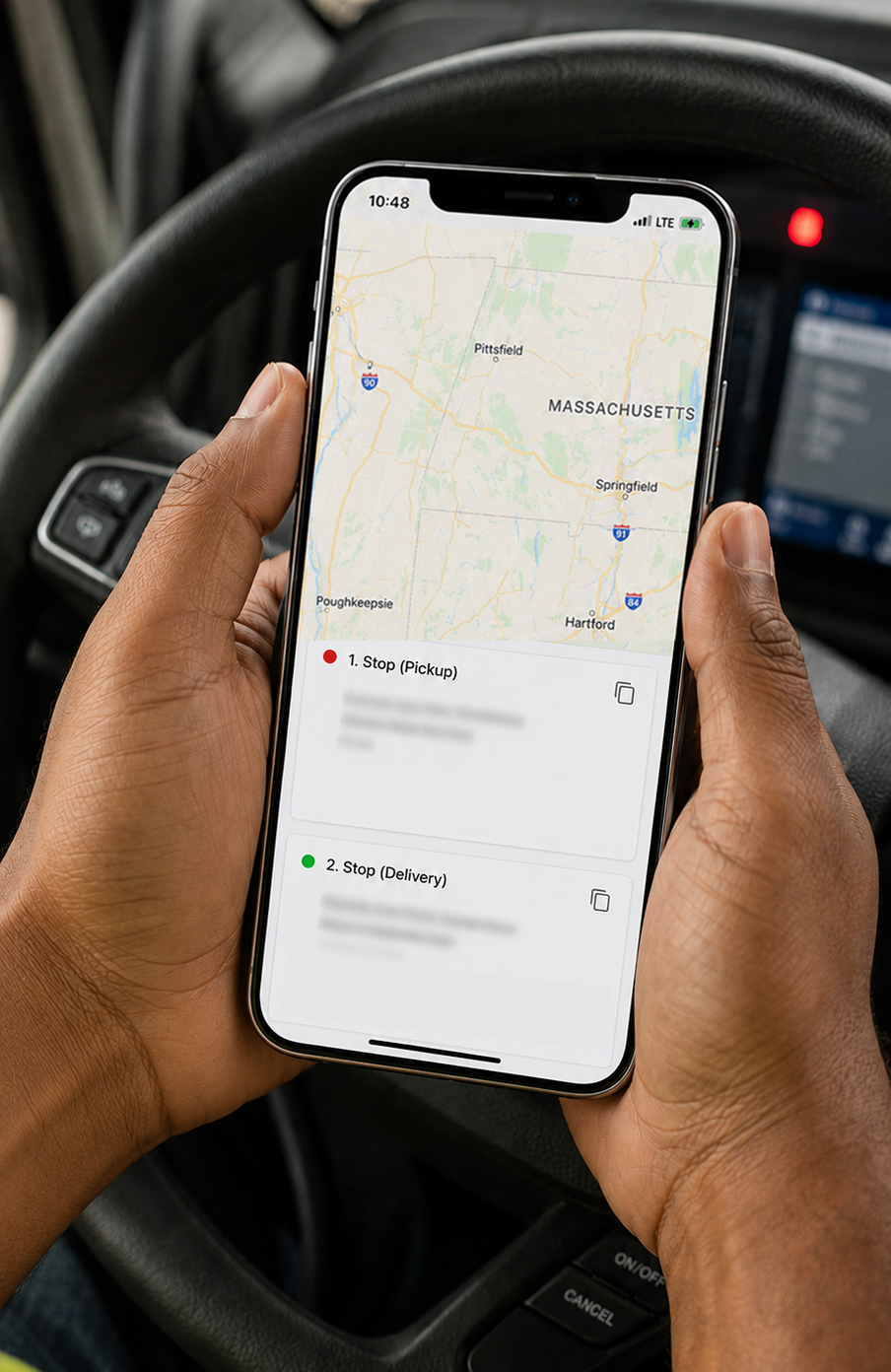
It happens because the app asks too much. Download this, make an account, remember a password, keep location on all the time, learn a menu. Meanwhile the driver has three broker tracking apps on his phone already and he is not enthusiastic about a fourth.
RovexOne Driver is built to lose that argument as rarely as possible. Two screens matter: what is my load, and here is the signed BOL. If a driver still does not want the app, he gets the same thing in his browser from a link, and if you would rather not put anything on his phone at all, you can turn the driver portal off completely and run dispatcher-managed.
Load details
Drivers instantly get laod details
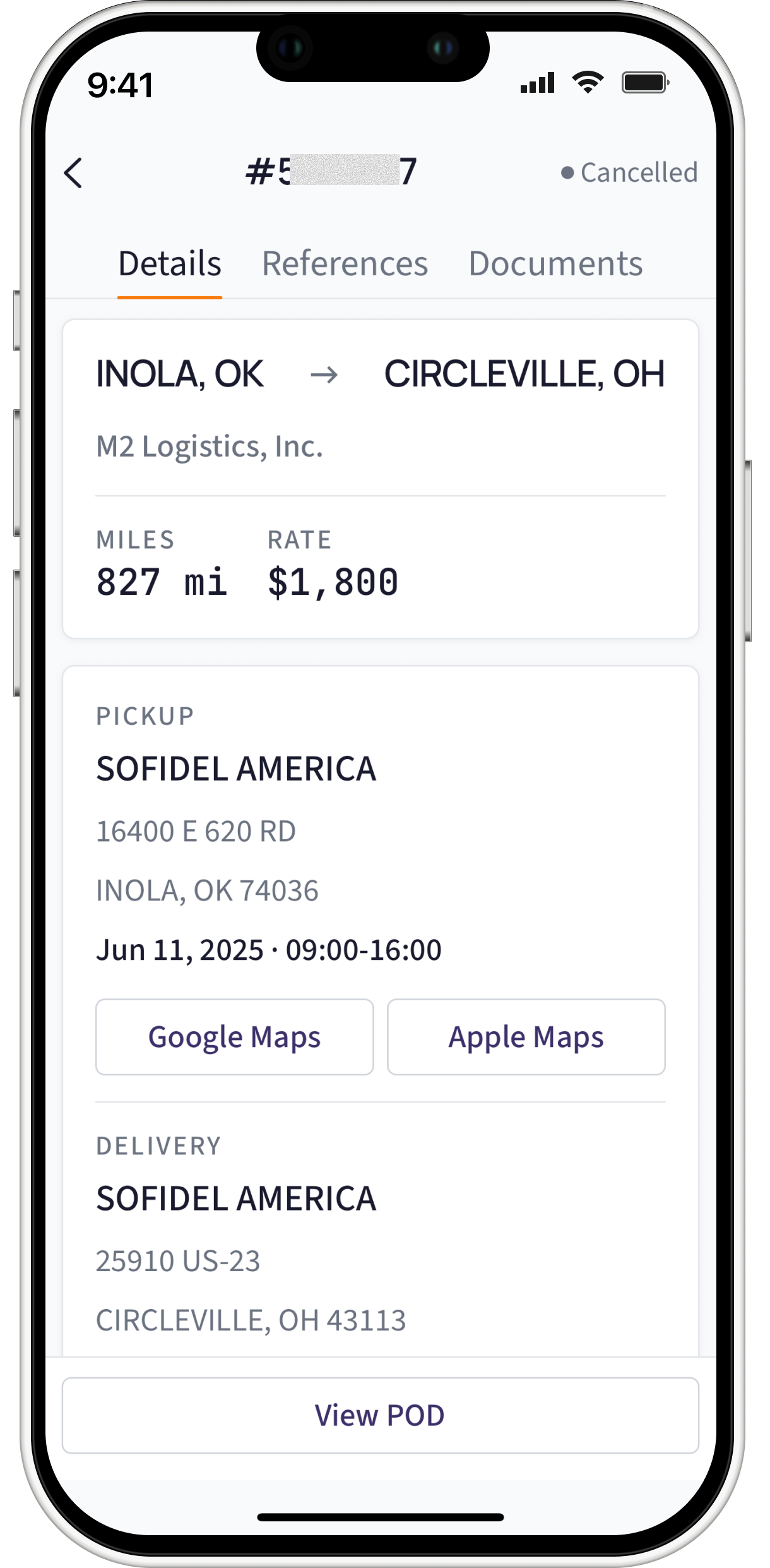
The assigned load shows the pickup address, the delivery address, every stop in between in order, and the rate. Multi-stop runs carry each stop separately with its own reference number, so a three-drop day is not one line the driver has to interpret.
When dispatch assigns the load, it is on his phone. No forwarded PDF, no screenshot of a screenshot, no reading an address off a text message at 60 miles an hour.
Status
One tap, and the office already knows
At Pickup. En Route. Delivered. Three buttons, and each tap timestamps the stop and moves the load on the dispatcher's board immediately.
That is what kills the check call. When a broker asks where the truck is, the dispatcher can see the last status and the GPS position on the live map and answer without putting the broker on hold to text the driver, wait, and call back.
The driver benefits more than anybody. Nobody is calling him for a status he already gave.
Documents
The signed BOL goes on the load, not in a text thread
The driver photographs the paperwork from inside the app and it uploads onto the load record. Not into a group chat, not into a camera roll, not into an email that gets buried.
This one thing moves money. The invoice cannot go out until the POD is in hand, and the packet a factoring company accepts has to have it. Every hour between the signature and the document arriving at the office is an hour added to how long you wait to get paid. When the POD lands on the load at the dock, the invoice can go out the same day the load delivers.
How invoicing and factoring use it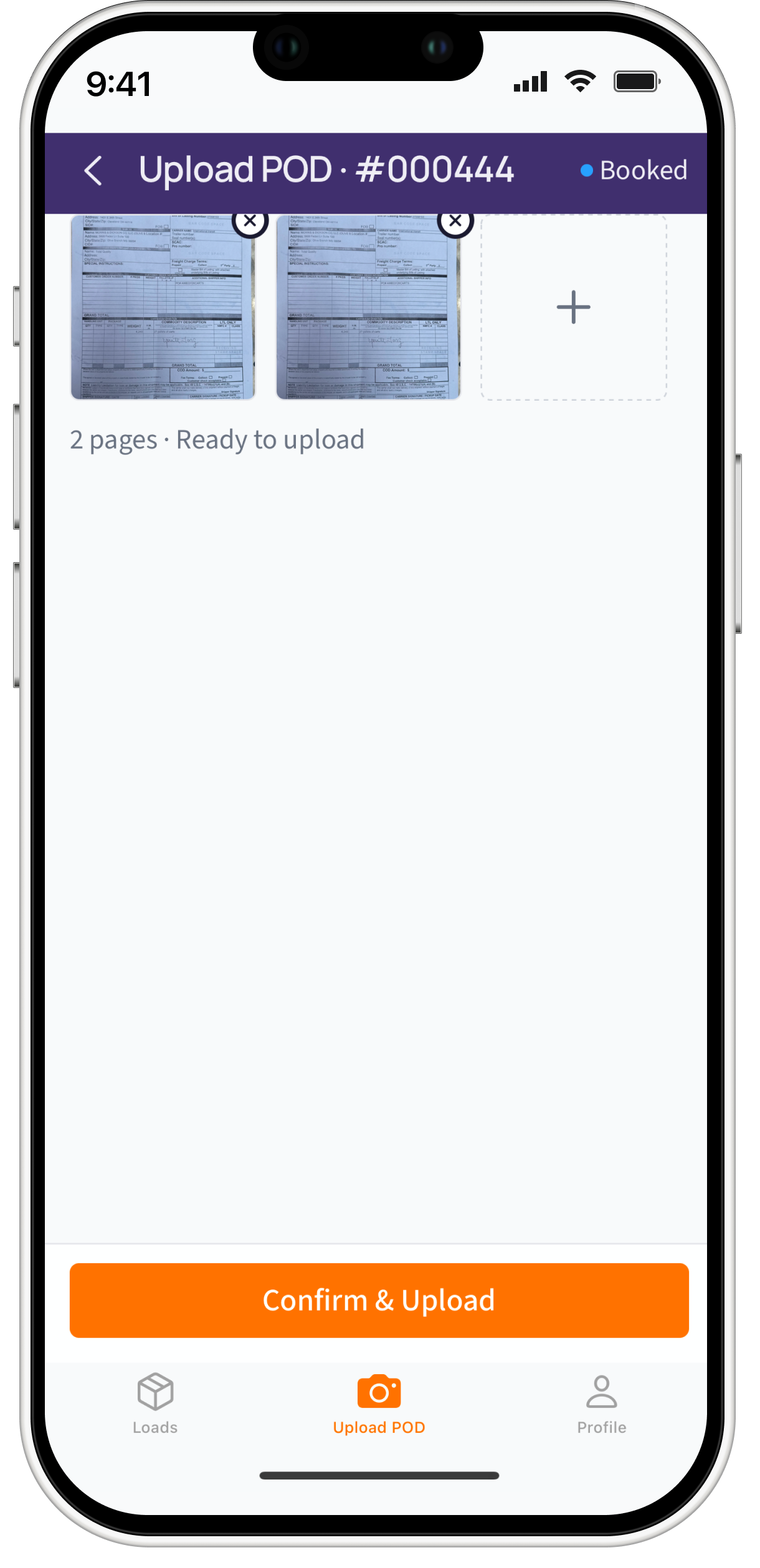
Driver self-service
Fewer calls to the office
Expense logging
The driver enters his own fuel, tolls, and out-of-pocket costs with a receipt photo, attributed to the load or the truck. It reaches your expense records without anybody rekeying a pile of receipts at the end of the week.
Settlement history
Drivers pull up their own past statements. The Monday morning question about what came off last week's check gets answered without a phone call, and a driver who can see the line items does not open a dispute over eleven dollars.
Rollout
Easily add drivers
You invite the driver by email. He sets a password and he is in. Most drivers are running in a few minutes with no help from you.
| Native app | Installs RovexOne Driver from the App Store or Google Play. Best for drivers who are comfortable with apps and run for you full time. |
|---|---|
| Mobile browser | Opens an invite link, no install, no app store. Best for drivers resistant to another app, or short-term and casual drivers. |
| Portal off | Nothing. Dispatch manages status and documents. Best for very small operations, or fleets where you would rather not depend on drivers updating anything. |
You can change your mind later. Turning the portal on or off does not affect anything else in the platform.
Location
Tracking that a driver will accept
With the optional Live GPS Tracking add-on, GPS position feeds the live map so the dispatcher can see load progress. Drivers are more willing to run a carrier's own app than a broker's third-party tracker, because the carrier controls what gets shared and when. Being straight with your drivers about that is worth more to adoption than any feature on this page.
What is included
Every driver feature, on every plan
Driver seats are set by plan: 4 on Core, 14 on Starter, 28 on Pro, 48 on Premium. Drivers do not consume a dispatcher seat.
- RovexOne Driver for iOS
- RovexOne Driver for Android
- Same experience in any mobile browser from an invite link
- Email invitation and self-serve password setup
- Assigned load with pickup, delivery, and every stop
- One-tap status: At Pickup, En Route, Delivered
- Stop-level arrival timestamps
- POD and BOL photo capture straight to the load record
- Driver expense logging with receipt photos
- Settlement history
- GPS position feeding the dispatcher’s live map (Live GPS Tracking add-on)
- Dispatcher-managed mode with the portal turned off
FAQ
Questions about the driver app
No. RovexOne Driver is on iOS and Android for drivers who want it, and the same experience runs in any mobile browser from an invite link for drivers who do not. You can also turn the driver portal off entirely and run dispatcher-managed.
Get started today
Put one driver on it this week
Invite one driver, run one load through it, and see whether the POD shows up before he gets home. That is the test.
14-day free trial · $0 today · Cancel anytime